Create a Module Using Templates
DNN Version: 09.02.00
• 1 minute to read
• 1 minute to read
Prerequisites
- A local DNN installation with Host permissions.
- Visual Studio 2015 is the recommended IDE for developing DNN modules.
Steps
Modify the Visual Studio project to add functionality to your new module.
Build, debug, and package.
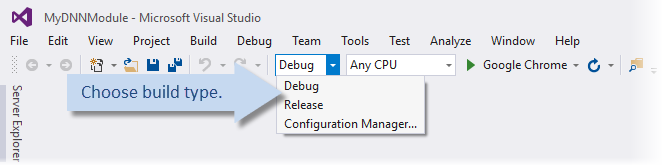
Build in debug mode.
This build produces .pdb files that are needed when stepping through your code.
Debug, if needed.
Create the DNN Manifest.
Build in release mode.
This build creates an installation zip file (your module's package) in the folder Desktop Modules/yourorganization/yourmodule/install.
Alternatively, you can manually pack your module.