Configure the View Profile Module
DNN Version: 09.02.00
• 1 minute to read
• 1 minute to read
Steps
Go to the page containing the module to configure. Edit the page.
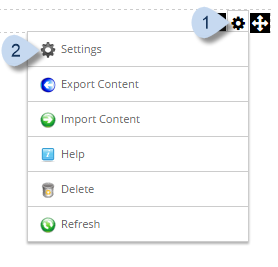
In the module's action menu bar, go to Manage (gear icon) > Settings.
Go to the View Profile Settings tab.
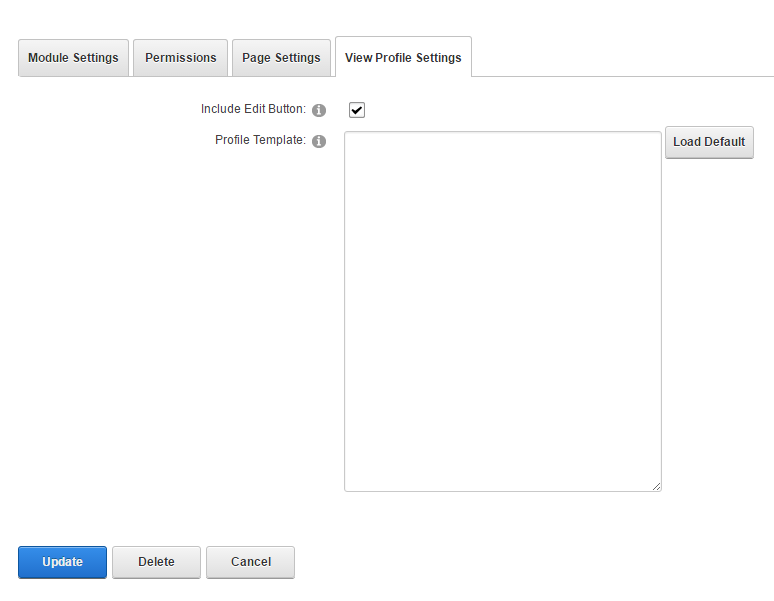
Field Description Include Edit Button If checked, the Edit Profile button is displayed. Profile Template The custom HTML template used to display the user profile. Tip
Load Default inserts HTML code wrapped inside a
tag. You can customize that code according to your needs.