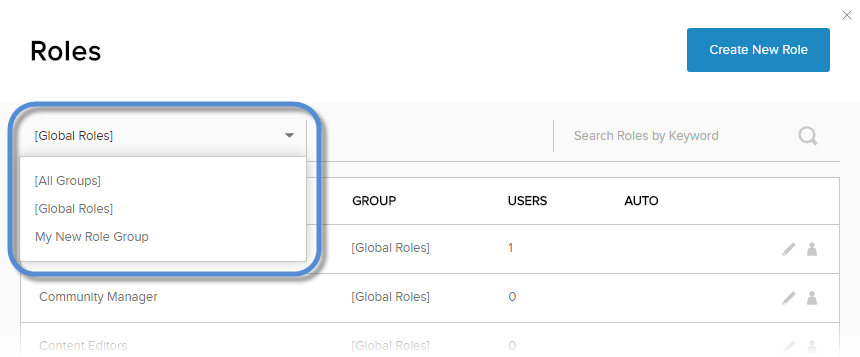
View the List of Roles Included in a Group
DNN Version: 09.02.00
• Less than 1 minute to read
• Less than 1 minute to read
Prerequisites
- An administrator account for the site. Administrators have full permissions to the specific site.
Steps
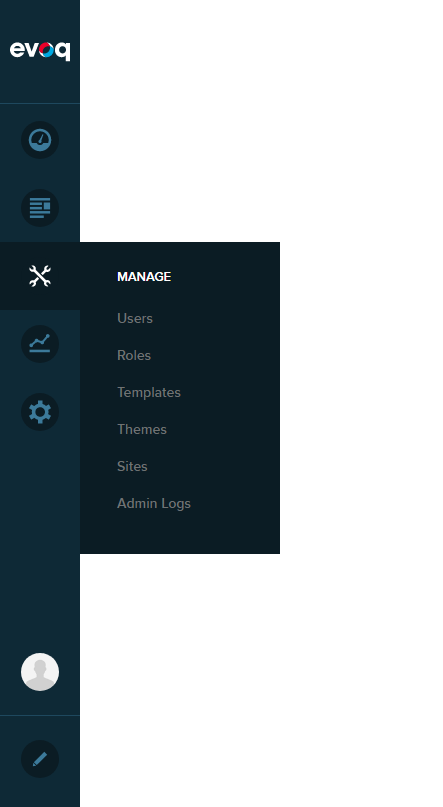
Go to Persona Bar > Manage > Roles.
From the dropdown in the upper-left, choose the role group you want or All Groups to display all roles.