Clear Log
DNN Version: 09.02.00
• 1 minute to read
• 1 minute to read
Prerequisites
- An administrator account for the site. Administrators have full permissions to the specific site.
Steps
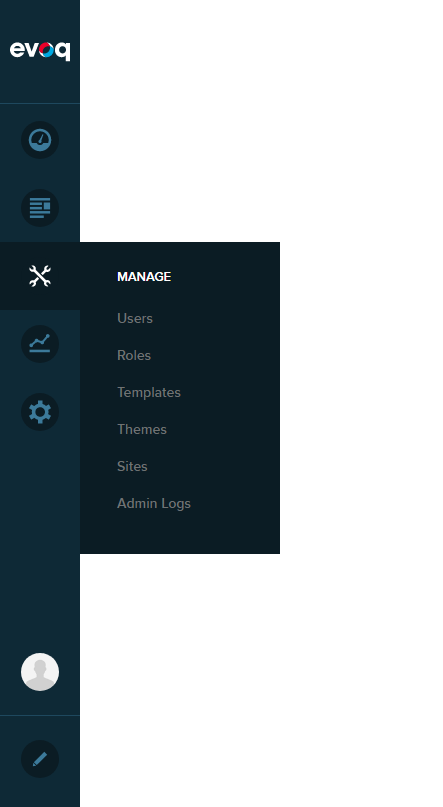
Go to Persona Bar > Manage > Admin Logs.
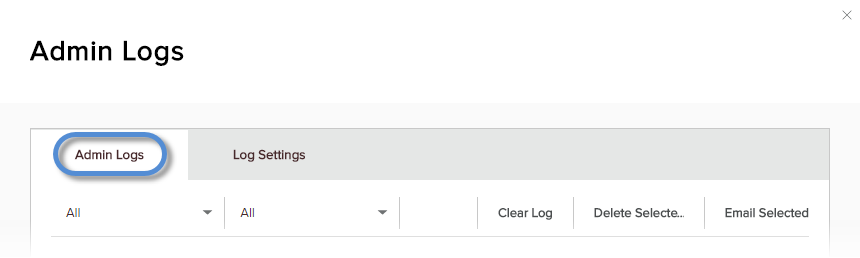
Go to the Admin Logs tab.
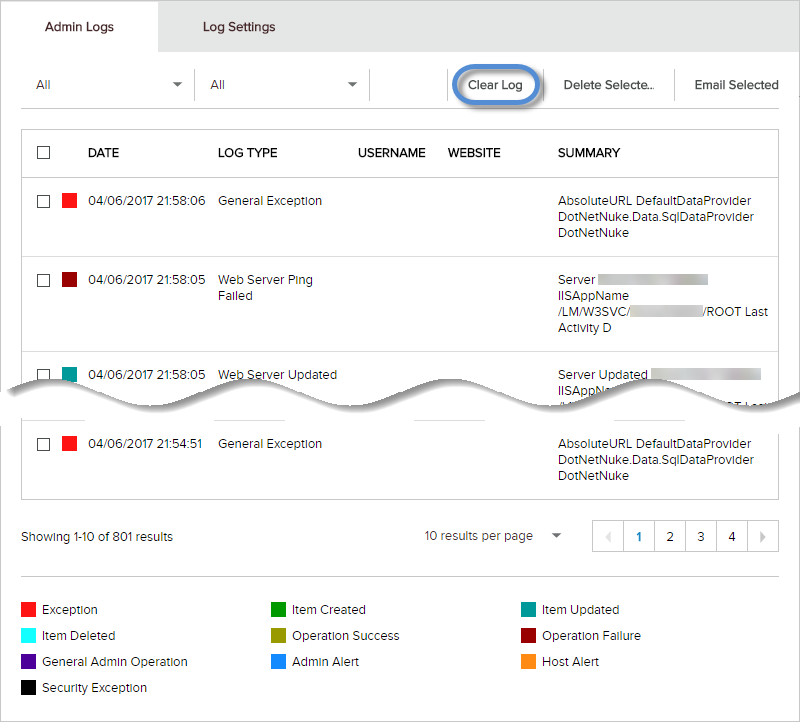
Click/Tap Clear Log.
Note
For hosts/superusers, the selected site's log is cleared. If All is selected, the logs of all sites in the installation are cleared. For administrators, their own site's log is cleared. To delete some log entries, instead of the entire log, use Delete Selected.
Confirm.