Delete a Logged Event Type
DNN Version: 09.02.00
• 1 minute to read
• 1 minute to read
If multiple entries for the same event type exist, delete the global one (Website is set to All) before deleting the specific ones (Website is set to a specific site).
Tip
If you might want to log the event again in the future, you can turn off Logging to stop logging the event type, instead of deleting it.
Prerequisites
- A host / super user account. Hosts have full permissions to all sites in the DNN instance.
Steps
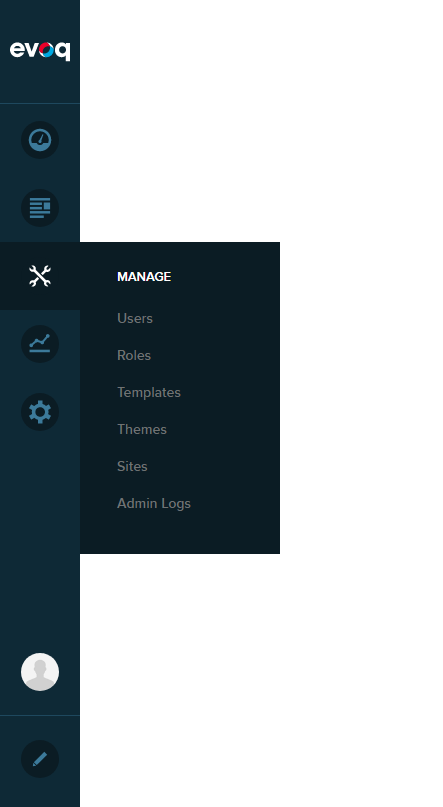
Go to Persona Bar > Manage > Admin Logs.
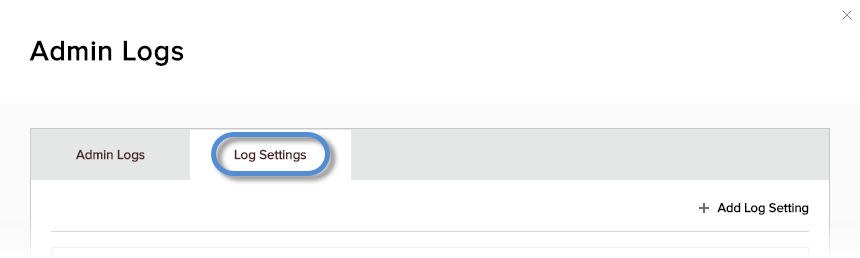
Go to the Log Settings tab.
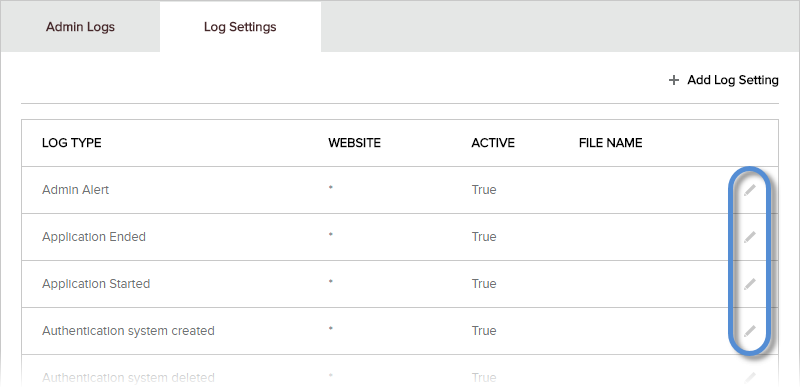
Click/Tap the pencil icon for the logged event type to delete.
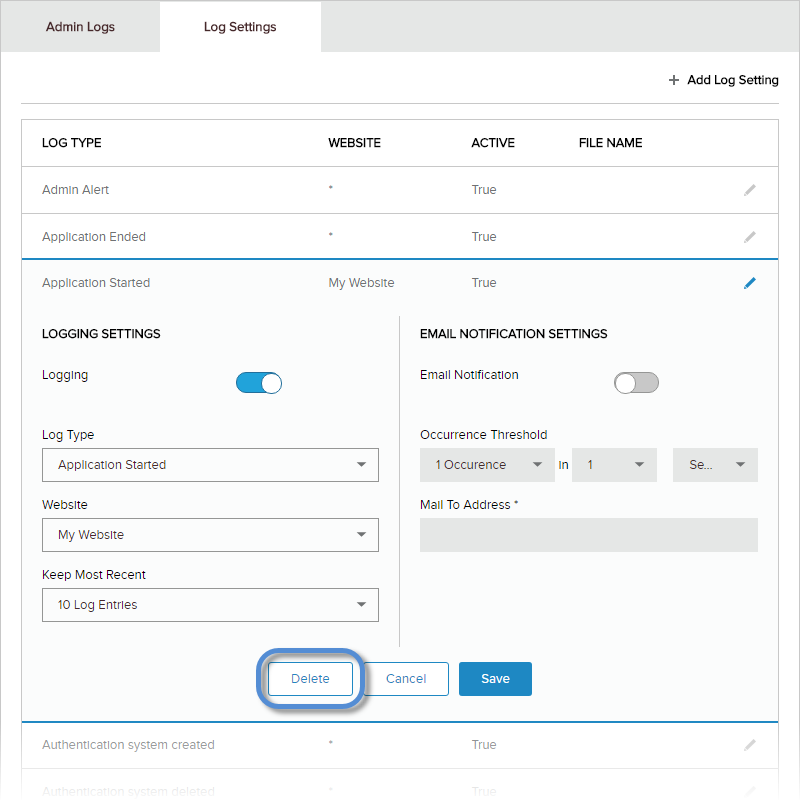
Click/Tap Delete.
Confirm.