Access web.config and other .config files
DNN Version: 09.02.00
• 1 minute to read
• 1 minute to read
Steps
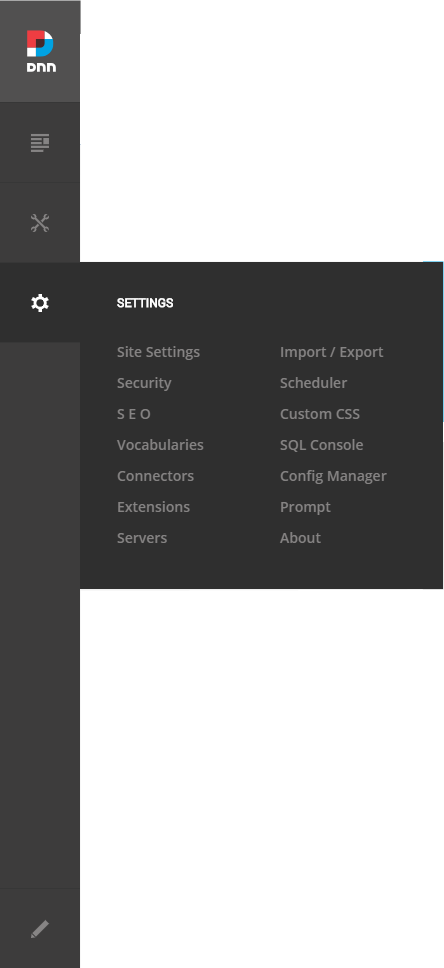
Go to Persona Bar > Settings > Config Manager.
Go to the Config Files tab.
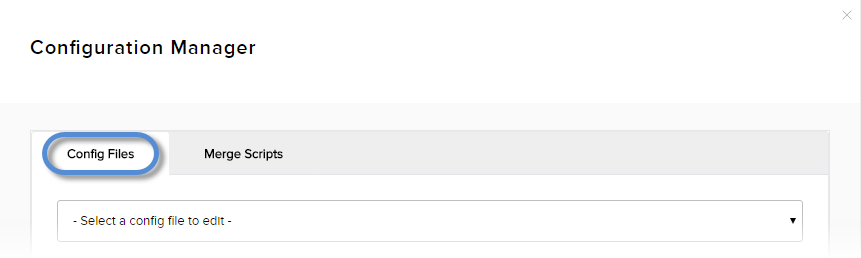
Choose the configuration file from the dropdown list.

Important
When you edit the web.config, specifically, you should know that doing so could have a negative impact on the performance of your website. The saved file will trigger the website to restart, which will clear all cache. This could result in the website appearing to load slowly and even throw errors temporarily in some instance. It's suggested to only update the web.config file during non-peak hours on mission-critical websites.