Help Improve DNN
DNN Version: 09.02.00
• Less than 1 minute to read
• Less than 1 minute to read
Read the details of the DNN Improvement Program.
Prerequisites
- A host / super user account. Hosts have full permissions to all sites in the DNN instance.
Steps
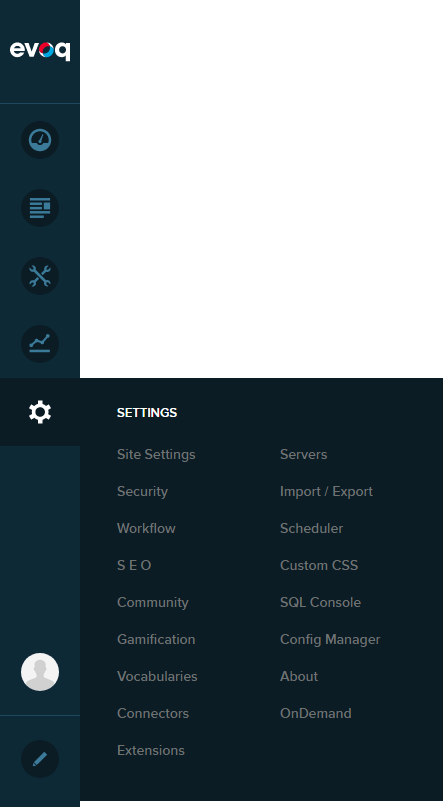
Go to Persona Bar > Settings > Site Settings.
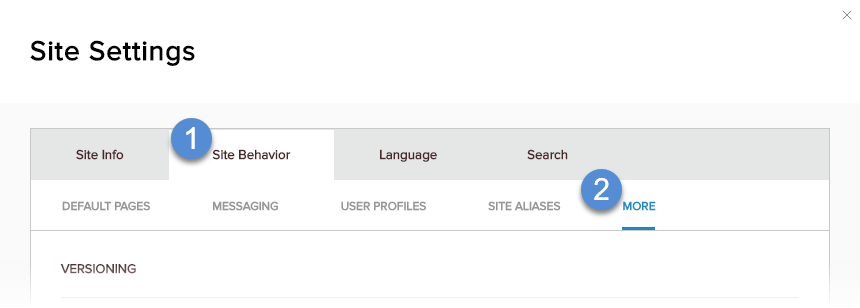
Go to the Site Behavior tab, and then the More subtab.
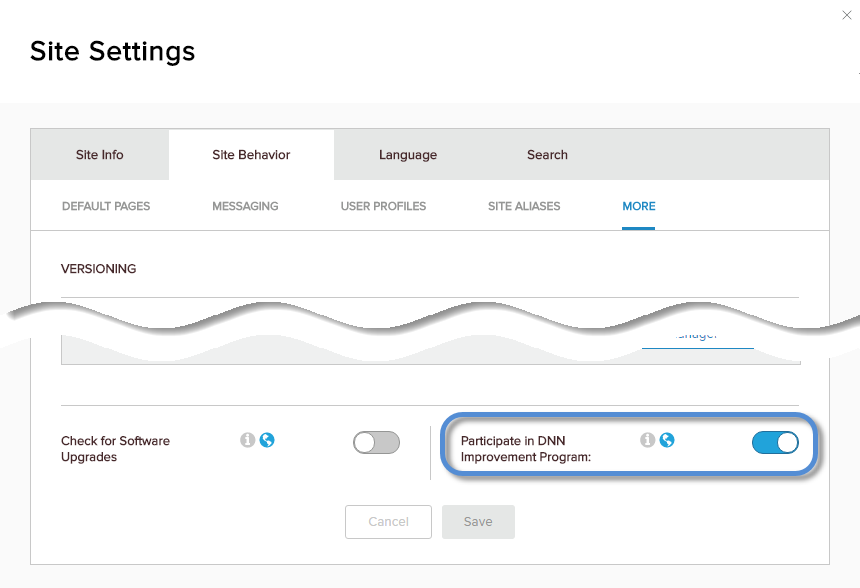
Enable Participate in DNN Improvement Program.
Warning
This setting affects all sites in your installation.