Configure URL Redirects
DNN Version: 09.02.00
• 1 minute to read
• 1 minute to read
Prerequisites
- An administrator account for the site. Administrators have full permissions to the specific site.
Steps
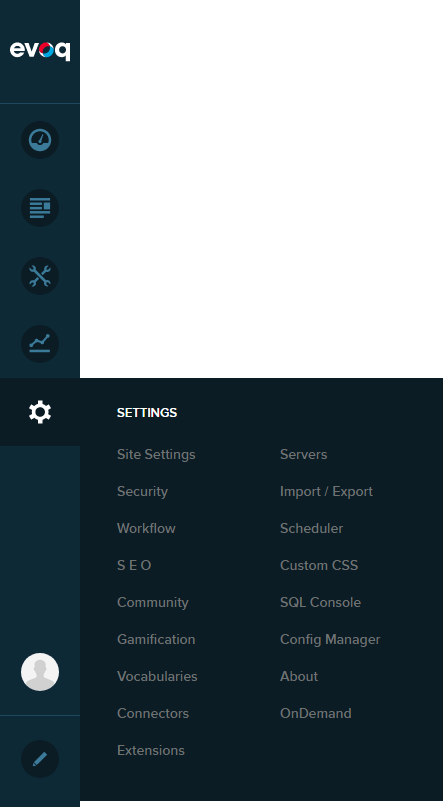
Go to Persona Bar > Settings > SEO.
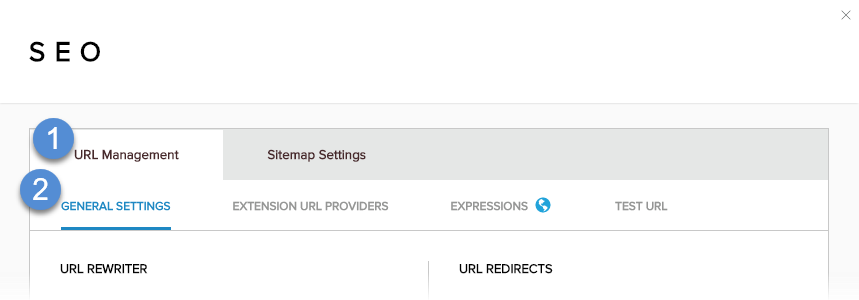
Go to the URL Management tab, and then the General Settings subtab.
Configure the URL redirects.
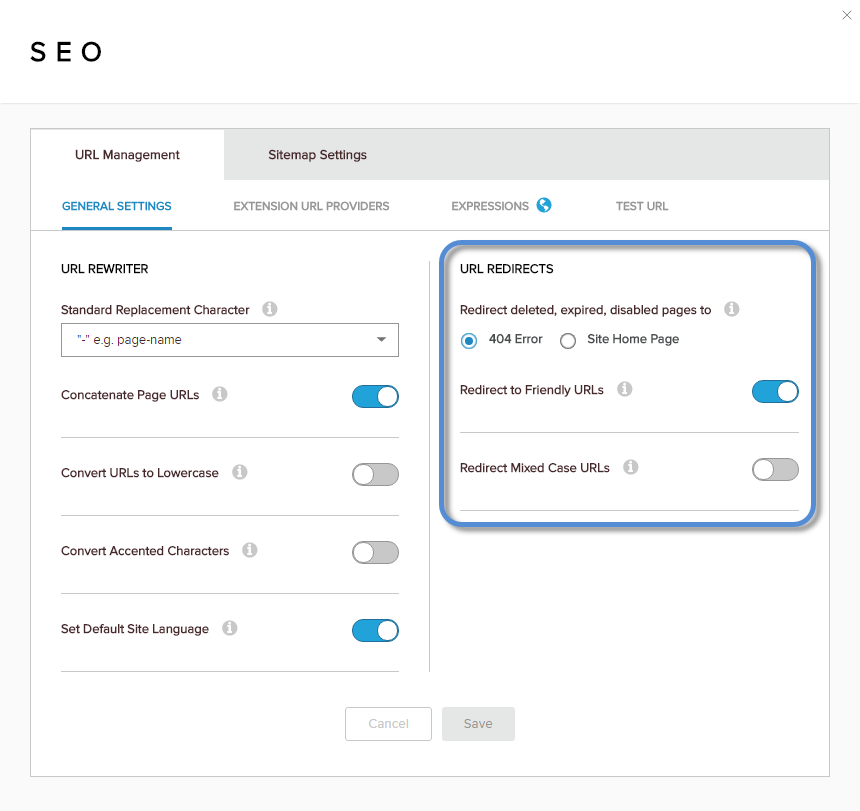
Field Description Redirect deleted, expired, disabled pages to The target page if a requested page is not found. Options: "404 Error" and "Site Home Page". Redirect to Friendly URLs If enabled, non-friendly URLs are redirected to the friendly version of the URL. Redirect Mixed Case URLs If enabled, URLs with mixed-case characters are redirected to the lowercase version of the URL. Save.