Delete a User Profile Field
DNN Version: 09.02.00
• 1 minute to read
• 1 minute to read
Prerequisites
- An administrator account for the site. Administrators have full permissions to the specific site.
Steps
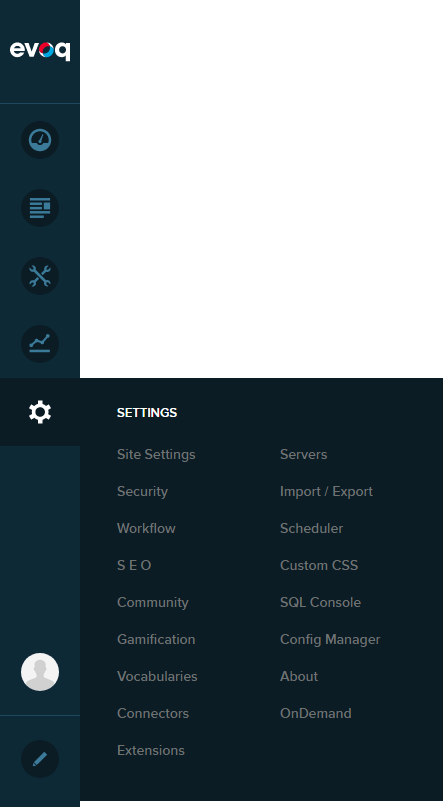
Go to Persona Bar > Settings > Site Settings.
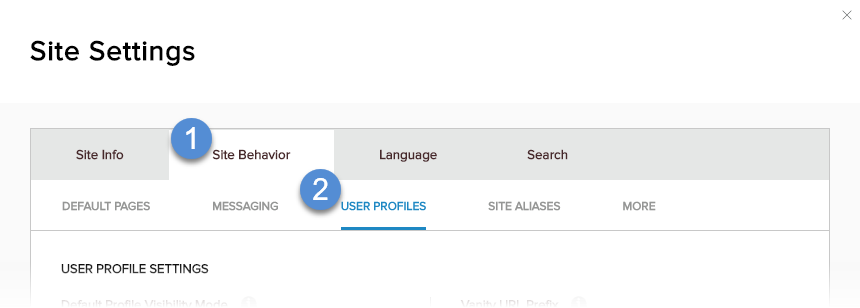
Go to the Site Behavior tab, and then the User Profiles subtab.
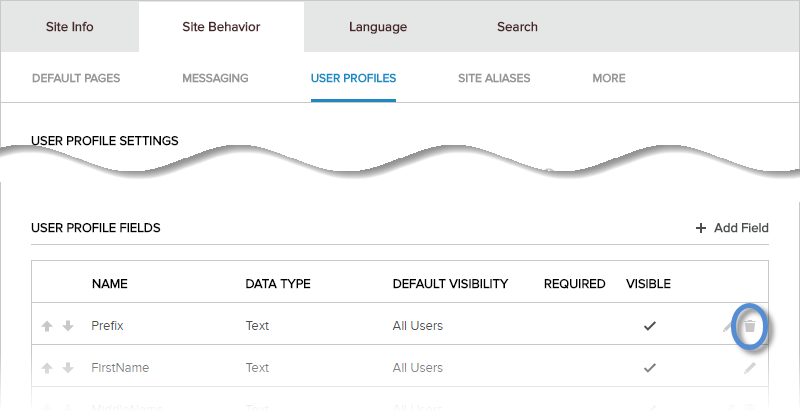
Click/Tap the trash icon for the field to be deleted. Confirm.
What to do next
If deleted fields still appear in the user profile page, clear the server cache, then refresh the user profile page.