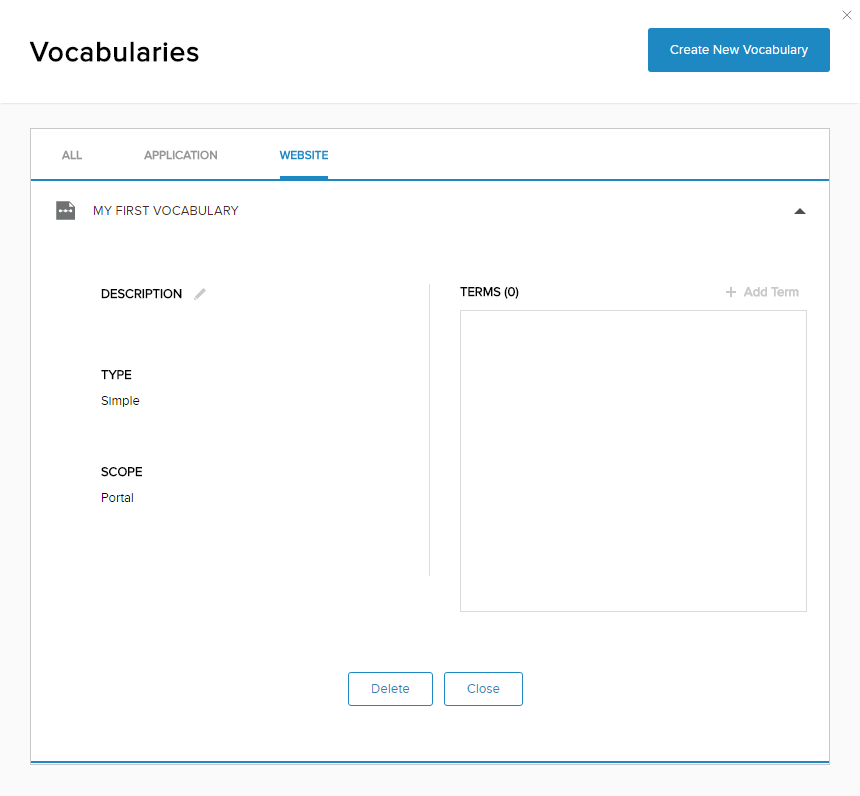
Edit a Vocabulary
DNN Version: 09.02.00
• 1 minute to read
• 1 minute to read
Note: You cannot change a vocabulary's type or scope after it is created.
Prerequisites
- An administrator account for the site. Administrators have full permissions to the specific site.
Steps
Go to Persona Bar > Settings > Vocabularies.
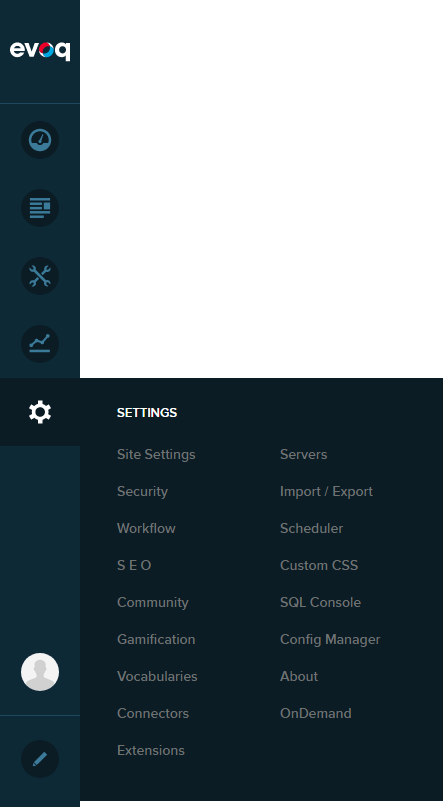
➊
➋
In the All tab, search for and expand the vocabulary to edit.
Note: If you know the vocabulary's scope, you can also search for it in the Application or Website tabs.
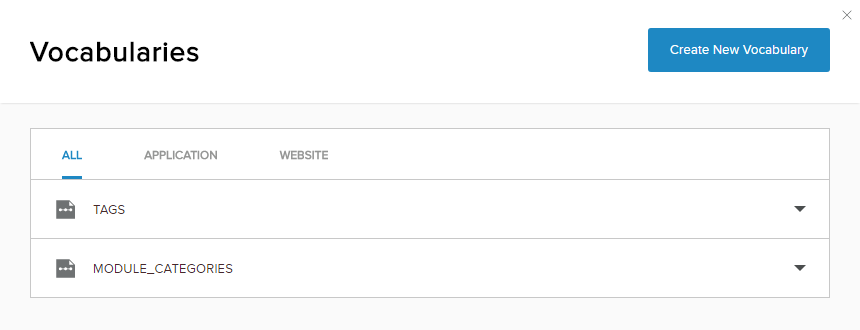
Edit the description or the list of terms.